How I Sold 5 Guitars Using YouTube

I like to help small businesses with their online marketing.  Starchild Music Productions a small guitar store and guitar teaching studio had purchased 5 Epiphone Masterbilt DR-500MCE to sell to their customers.  After the guitars had sat on the shelf for a few months I decided to try an experiment to get these guitars sold.  I decided to make a video of Jon Dansie, owner of Starchild, playing one of these guitars on his website.

One day we took about 15 minutes to record a simple video using a Flip Ultra HD.  We recorded it in one take.  I edited it using Microsoft Live Essentials 11. I added a simple logo and some text.  After I was happy with the video we uploaded it to YouTube and posted it on Starchild Music Productions website.

Within a few weeks all the guitars were sold.

The cost:

Time: < 1hour

Flip $79.99

Microsoft Live Essentials Movie Maker 11: Free

YouTube: Free

The Profit:

$3000 Gross Profit
Using Adobe Photoshop to Create a Large Ceremonial Check

Sometimes photoshop skills are necessary in my jack of all things Information Technology related. At my current job we don’t have a graphic designers so I am constantly being asked to create this, edit this photo or help with this presentation etc.  Photoshop and Illustrator are used often.

I have been using Adobe’s Photoshop since version 5.  Photoshop is a skill that is a must if you create websites.  I use it to create designs, to create web graphics and to edit photos for the web.

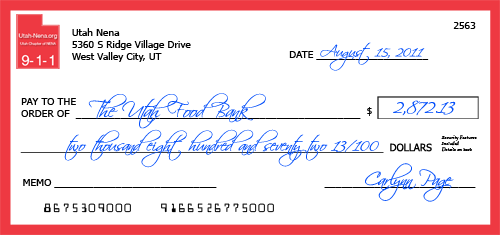
Today I got to create a large ceremonial check for a fundraiser we did for The Utah Food Bank.  The project was fairly simple and straight forward.  I went out to Google and I searched for images of checks.  I wanted to find one that I could copy and or manipulate into what we needed.  I didn’t find any great ones so I decided to create one from scratch.

I used a couple of images of checks to get the dimensions right.  I used the Google images to find the right information displayed on the check.

The next thing I did was do a font search to find the right fonts for the check. I used three fonts.  For the main text I used Tahoma, a Windows font, for the digital computer font for the account number I used MICR Encoding.  I used Scriptina as the signature font. Download the Photoshop PSD File (4.02 MB)

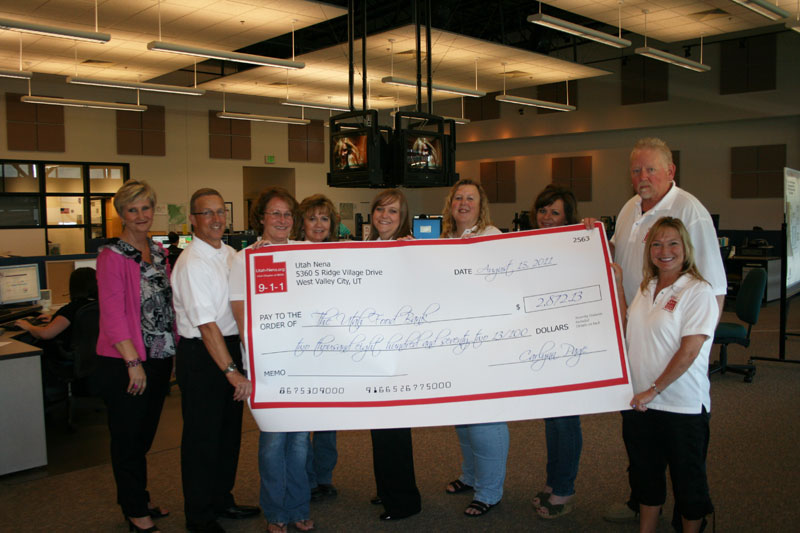
Here is a picture of the check printed out (32 inches by 68 inches).

Photo Courtesy of Utah-NENA Eran Bair Photographer

UTAH-NENA.ORG

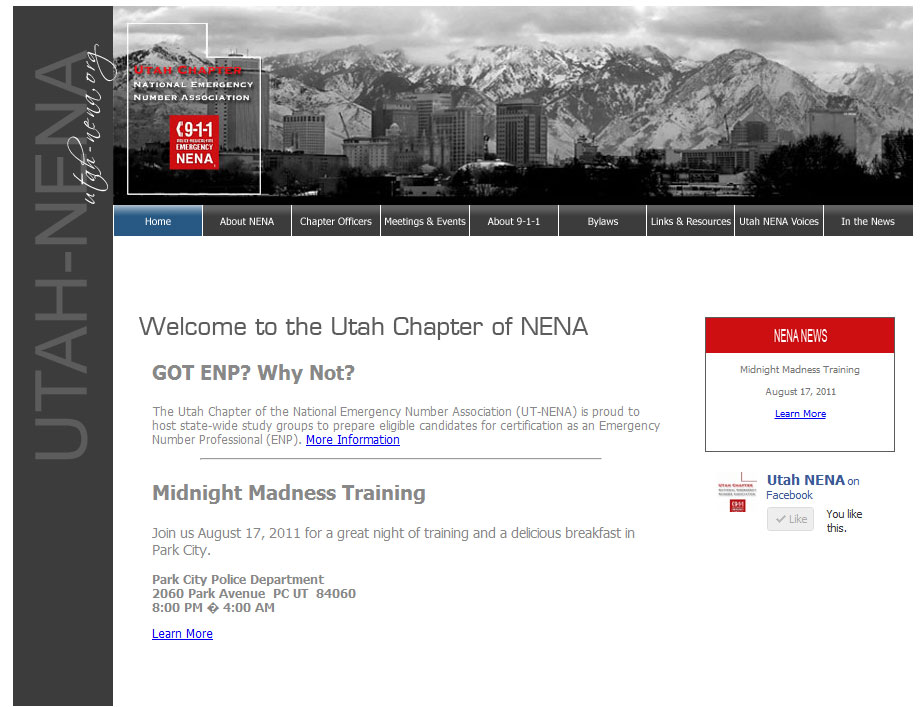
A few years ago I was asked to build a website for the Utah Chapter of National Emergency Number Association (NENA).  I was asked to develop a logo, and a site design.  Mostly Utah-NENA wanted a simple site to share information. I set it up and populated it with their content.  (See It Here) Soon after I finished version 1.0 of the site another person took over the daily operation of the site.

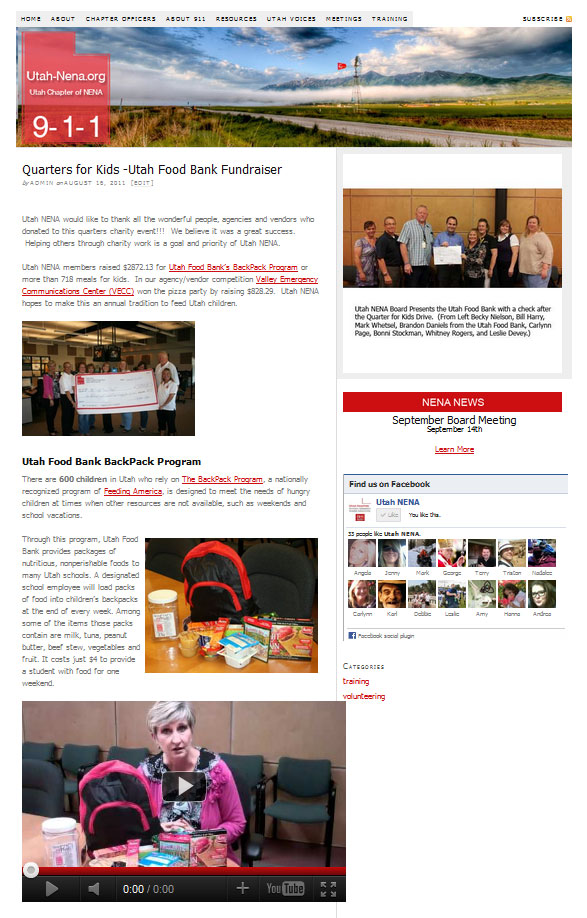
After about two years of the site languishing, I was asked to join the Utah-NENA board as the Technical Committee Vice-Chair. Soon after joining the committee I was asked to redo the site and make it more exciting. I decided that I would convert the site to wordpress and use thesis as its back bone.

This is what it looks like now.